Log expenses by voice. Say what you spent and check the result.
Tap the mic and describe a transaction the way you would tell a person. Folko opens a new transaction with the description, amount, date and category filled in. You check it and tap Save. Free includes 3 voice entries a month.
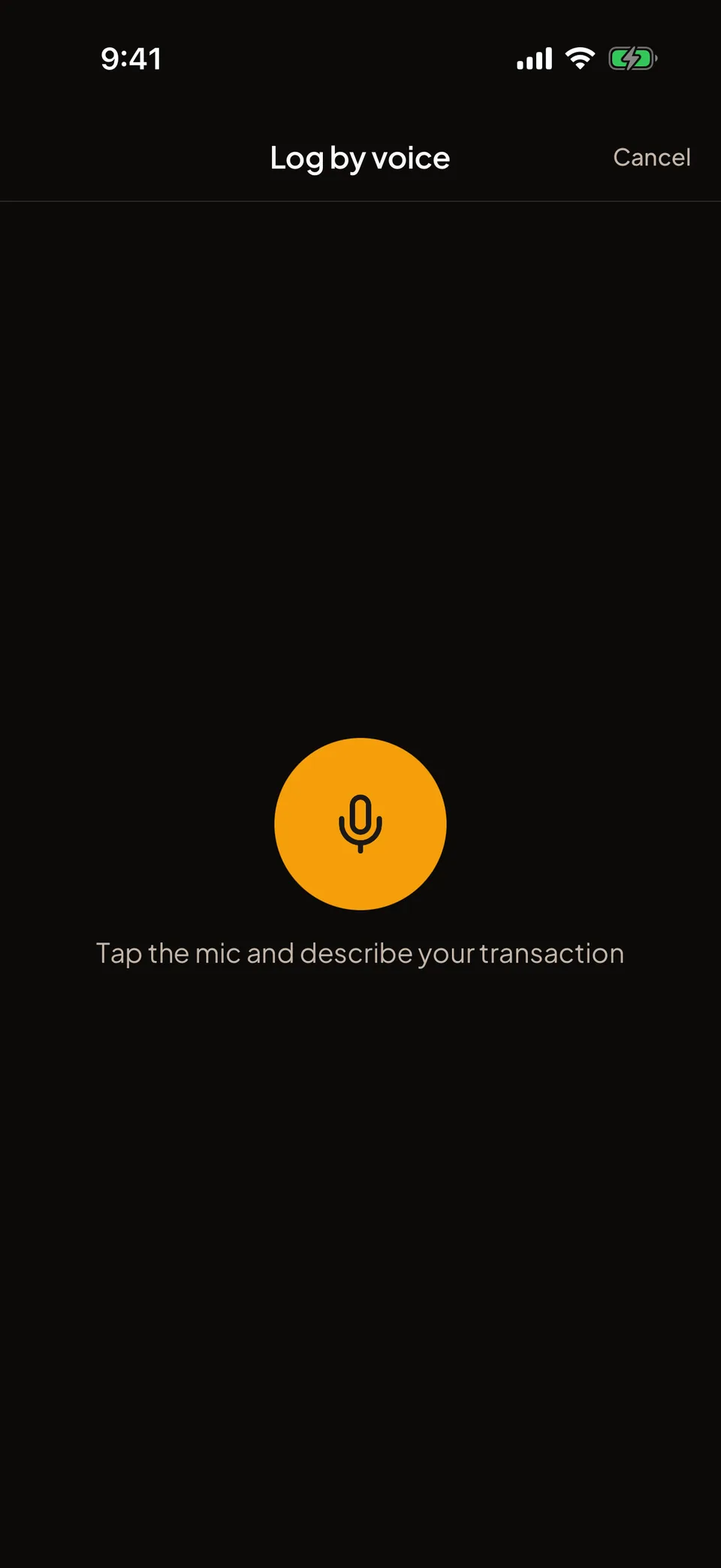
From a sentence to a saved transaction.
Tap the mic
It is in the Home dock, and next to the amount on the transaction screen. The first time, Folko asks you to allow Google Gemini and your phone asks for microphone access.
Say it plainly
For example, “Groceries 42 yesterday”. You can name a currency, a cashbook or whether it was income. Tap the stop button when you finish, or wait. On recent phones, listening stops by itself after a few seconds of silence.
Check the draft
Folko opens the transaction, filled in. Correct anything that is wrong.
Tap Save
Nothing is saved until you do.
What Folko fills in from what you say.
Folko reads out a description, an amount, whether it is an expense or income, a date, and a currency if you said one. “Yesterday” and “last Tuesday” become real dates. If you name one of your cashbooks, the transaction opens in it. Otherwise it opens in the cashbook you started from, or your default one.
Folko also suggests a category from the ones in that cashbook. Your category names can be in any language.
Say “I lent Ali 50” and Folko opens a new loan instead of an expense, so your budgets and Spending Overview stay accurate. Paying someone or splitting a bill counts as a transaction.
If you do not say a currency, Folko does not guess one from your language.
What leaves your phone, and what does not.
Your phone’s own speech recognition turns your voice into text. That is Apple on iOS and Google on Android, and it may run on their servers under their own terms. Folko never receives the audio and does not store it.
Folko sends the text, up to 500 characters, to Google’s Gemini AI, together with the category names of the cashbook you started from, so it can pick one. Nothing else about you goes with it. Google does not use it to train its AI models and may keep it briefly to check for abuse. Folko does not keep the text once the draft is returned.
Before any of this, a screen asks whether to allow Google Gemini. Until you allow it, Folko does not record or send anything. Choose Not now and you can still add every transaction by hand.
The model only returns words and numbers: a description, an amount, a name. Folko matches the cashbook and category names to your own cashbooks on its server. The model never sees or returns an id.
What each plan includes.
Free includes 3 voice entries a month. The count is kept on Folko’s server, so reinstalling the app does not reset it. Plus and Max have no monthly limit, with a fair-use cap of 100 entries in any rolling 24 hours.
An entry only counts when Folko returns a draft. If the service is busy or the request fails, it is not counted.
Voice entry needs a connection. If you are offline, Folko says so before you start talking.
Voice entry, answered.
How many voice entries do I get?
Free includes 3 a month, and the limit is enforced on our server. Plus and Max have no monthly limit. Paid plans have a fair-use cap of 100 voice entries in any rolling 24 hours.
Does Folko hear or keep my voice?
Your phone’s speech recognition turns your speech into text. Folko never receives the audio. Only the text is sent on, and Folko does not keep it after the draft comes back.
What does Google Gemini receive?
The text of what you said, up to 500 characters, and the names of the categories in the cashbook you started from, so it can pick one. Nothing else about you is sent. Google does not use it to train its AI models and may keep it briefly to check for abuse.
Does it save the transaction for me?
No. It opens a filled-in transaction and you tap Save. If the amount or category is wrong, change it first.
Does voice entry work offline?
No. It needs a connection to turn your words into a transaction. Folko tells you when you are offline, before you start talking.
Coming to iOS and Android.
Free forever. Send us a note and we’ll write back the day it’s out.
Notify me at launch